Made for Contractors
AIA Billing Software
Automate G702 & G703 Payment Applications
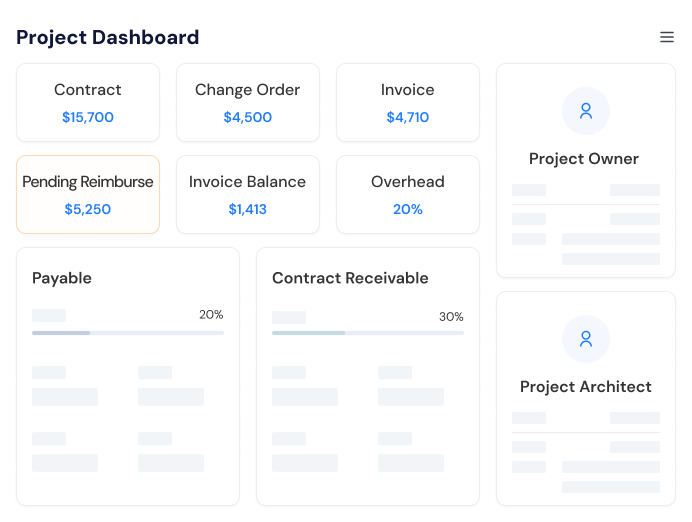
Stop rebuilding payment applications in spreadsheets every month. APARBooks generates your G702 cover sheet and G703 continuation sheet automatically, calculates retainage for you, and keeps every invoice tied to your project's schedule of values. Pick from three invoice formats, add your logo, and send it out usually in just a few clicks.
AIA G702 & G703 Compliance
Produce payment applications in the industry-standard G702 and G703 formats. Every sheet comes out fully formatted and calculation-ready, so architects and owners approve them without back-and-forth.
Automatic Retainage Math
Retainage is calculated on every invoice based on your contract terms. No side spreadsheets, no manual percentages, and nothing slips through at final payment.

Three Invoice Formats
Bill the way each project needs: a quick custom invoice, a standard invoice drawn from your cost breakdown, or a complete AIA-style payment application.

Your Branding, Your Terms
Add your logo, company details, and payment terms once. Every invoice you send looks professional and consistent no template downloads needed.
What Is AIA-Style Progress Billing (G702 & G703)?
AIA-style progress billing is a standardized method contractors use to request payment for work completed during each pay period. It relies on two forms: the G702 (Application and Certificate for Payment) and the G703 (Continuation Sheet).

Progress Billing
Instead of billing the full contract at once, you bill for the portion of work completed during each pay period and you document it on two forms that owners and architects already know and trust.

G702 Summary
The G702 (Application and Certificate for Payment) is the cover sheet. It summarizes the contract sum, approved change orders, total completed and stored to date, retainage held, previous payments, and the amount due for the current period.
G703 Details
The G703 (Continuation Sheet) is the detailed backup. It breaks the contract down line by line matching your schedule of values and shows scheduled value, work completed in previous periods, work completed this period, stored materials, percent complete, and balance to finish for each line.
No manual Math works
Getting these two forms right by hand takes hours, and one wrong cell throws off the whole application. APARBooks builds both forms from data you already have in your project, so the math always ties out and the format is always compliant.
Three Invoice Templates:
Custom, Cost Breakdown, and AIA-Style
Not every project bills the same way.
APARBooks gives you three formats so you can match the invoice to the job and switch between them anytime.
APARBooks offers three construction invoice formats:
fully custom invoices, standard invoices linked to your cost breakdown, and AIA-style G702/G703 payment applications.
| Invoice format | Best for | What APARBooks automates |
|---|---|---|
| Custom invoice | Simple billing, small jobs, unique payment agreements | Free-form line items, branding, retainage deduction |
| Cost breakdown invoice | Owners who want billing progress by line item | Line items drawn from your cost breakdown, error-free totals |
| AIA-style (G702 & G703) | Commercial projects requiring AIA documentation | Full G702 cover sheet + G703 continuation sheet, carry-forward values, retainage |
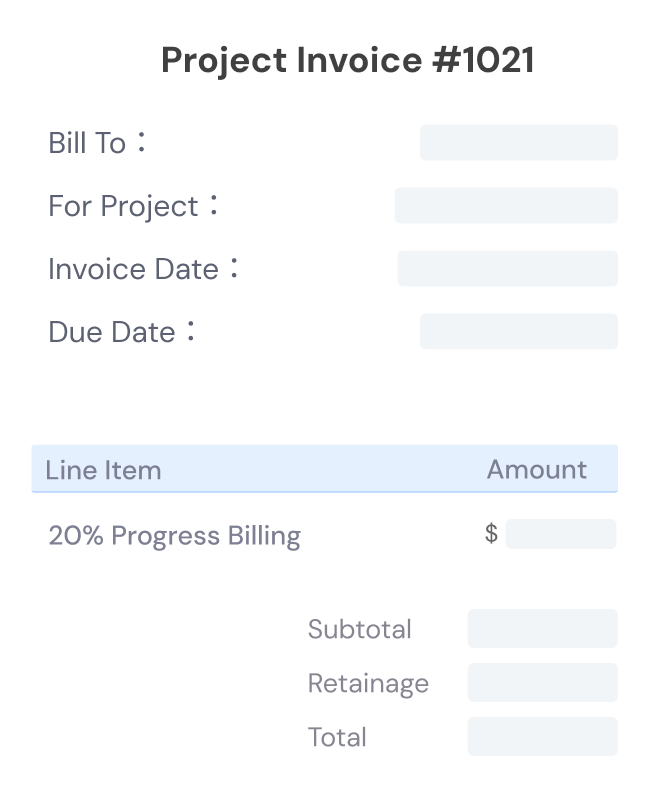
Custom Invoice from Scratch
Sometimes you just need a simple, clean invoice. Build one from scratch without tying it to a cost breakdown add one line item or twenty, like a single ‘20% Progress Payment’ or a short list of completed work.
This format gives contractors and bookkeepers full control over how the billing is presented. It works well for simplified payment requests, small jobs, and unique project agreements where a full breakdown would be overkill. Whether you're invoicing a client, a GC, or an owner, you decide exactly how the invoice looks and what it includes
- Build any invoice from scratch
- No cost codes required
- One line item or many
- Ideal for simple billing
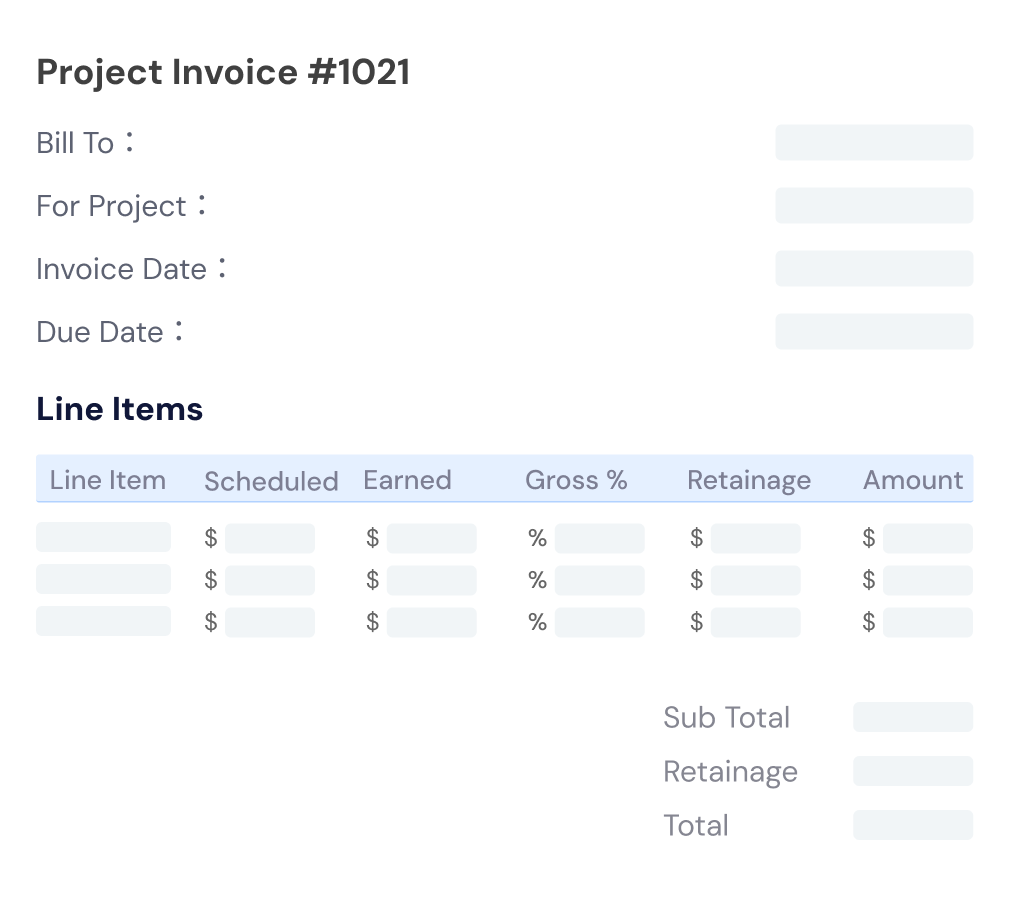
Standard Invoice Linked to Your Cost Breakdown
When the owner wants to see billing progress by line item, draw your invoice directly from the cost breakdown already set up in your project. Each amount you bill pulls against a specific cost item, so nothing gets double-billed and nothing gets missed.
Because the invoice connects straight to your schedule of values, project owners, accountants, and bookkeepers get a clear picture of where the funds are allocated and you avoid the entry errors that come from retyping numbers into a spreadsheet.
- Matches your cost breakdown
- Draw amounts by cost item
- Clear, structured billing
- Fewer entry errors
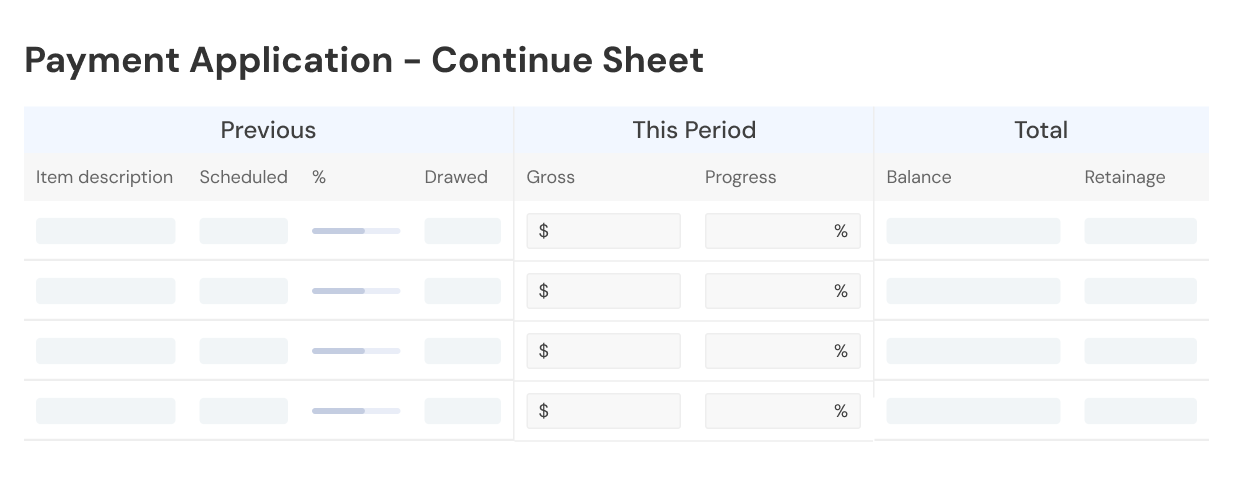
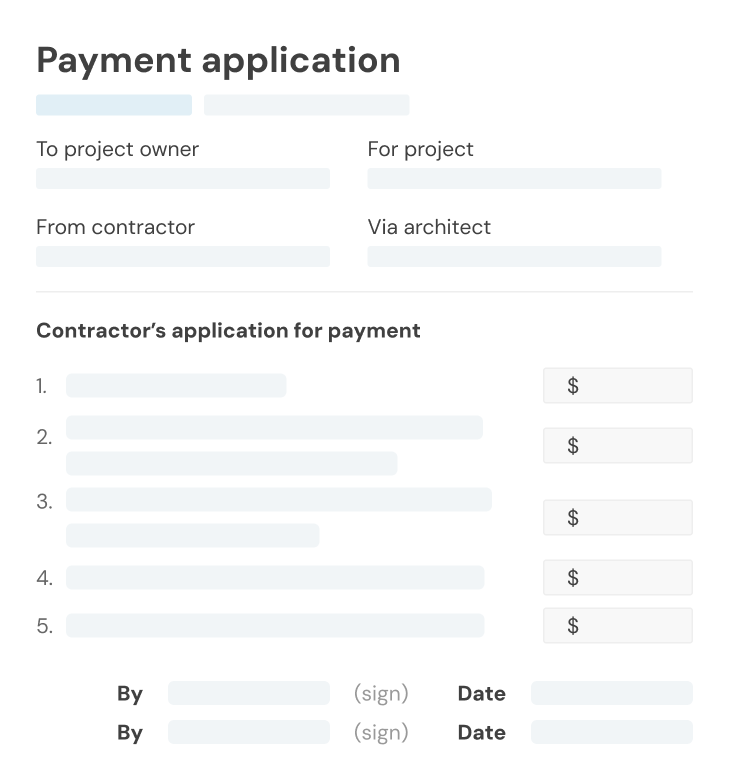
AIA-Style G702 & G703 Payment Applications
For projects that require full AIA documentation, APARBooks does the heavy lifting. Each line item on your invoice maps to your project's cost breakdown, and the software auto-generates a professional G702 payment application cover sheet along with a G703 continuation sheet fully formatted and calculation-ready.
Previous applications, work completed this period, stored materials, retainage, and balance to finish all carry forward automatically from one billing period to the next. That means faster approvals from architects and owners, and no more spreadsheet headaches for your accounting team.
- Auto-generated G702 cover sheet
- Auto-generated G703 breakdown
- AIA-compliant formatting
- No spreadsheets or templates required
Automated Retention Tracking
APARBooks automatically calculates, withholds, and releases retainage on every invoice custom, standard, or AIA-style based on the retainage rate set in your contract terms.

Retainage Challenges
Retainage is where most AIA billing mistakes happen. On a G702, retainage has to be calculated on completed work, sometimes at a different rate on stored materials, carried forward accurately across every application, and then released correctly at final payment. Doing that by hand across a dozen pay apps is asking for trouble.
Automatic Tracking
APARBooks handles it automatically. Set your retainage rate once from your contract terms, and every invoice custom, standard, or AIA-style deducts the right amount during progress billing. The withheld balance is tracked project by project, so you always know exactly how much retention is outstanding.

Retainage Release
When the job wraps up, generating the retainage release invoice takes a couple of clicks. The final G702 shows the release cleanly, your numbers tie out to the penny, and you get paid the money you've already earned without chasing spreadsheets.
- Retainage logic built into every invoice format
- Auto-deducted during progress billing
- Withheld balances tracked per project
- One-click retainage release at final payment
How APARBooks Speeds Up Your Billing Cycle
With APARBooks, generating a complete AIA payment application takes three steps: update the work completed for the period, generate the G702 and G703, then review and send.
Step 1: Update progress
Enter the work completed this period against your schedule of values. Previous billings carry forward on their own.
Step 2: Generate the application
APARBooks builds the G702 and G703 instantly, with retainage and totals already calculated.
Step 3: Review and send
Add your logo and terms, give it a quick review, and send it off for approval.
What used to take an afternoon of spreadsheet work now takes minutes. Fewer math errors mean fewer rejected applications and fewer rejected applications mean a shorter gap between doing the work and getting paid for it. Your billing also stays connected to job costs, payables, and lien waiver tracking in the same system, so month-end close gets easier too.
Frequently Asked Questions
Feel free to contact us if you have any other questions. Reach us at support@aparbooks.com
The G702 is the cover sheet of an AIA payment application it summarizes the contract sum, change orders, total completed to date, retainage, previous payments, and the current amount due. The G703 is the continuation sheet that backs it up, breaking the contract down line by line to show scheduled value, work completed, stored materials, percent complete, and balance to finish. The two forms work together: the G703 provides the detail, and its totals flow up into the G702. APARBooks generates both automatically and keeps them in sync.
Yes. APARBooks produces payment applications in the industry-standard G702 and G703 formats, fully formatted and calculation-ready. Line items map directly to your project's cost breakdown, and values carry forward from one application to the next no manual formatting and no spreadsheets.
Yes. Set your retainage rate from your contract terms and APARBooks deducts the correct amount on every progress billing automatically. The withheld balance is tracked per project, and when it's time for final payment, you can generate a retainage release invoice in a couple of clicks.
No. If you can fill in the work completed for the period, APARBooks handles the rest the forms, the formatting, and the math. Most contractors send their first AIA-style payment application the same day they start. And if you ever get stuck, our support team is a message away.
It's built for general contractors, subcontractors, and the bookkeepers who support them. Whether you bill with simple one-line invoices, detailed cost-breakdown invoices, or full AIA payment applications, the same system covers all three.
No. There's nothing to download and nothing to format. Every invoice type including G702 and G703 payment applications is generated inside APARBooks, ready to review and send.
Yes. Add your logo, company details, and payment terms, and they'll appear on every invoice you create. Your billing stays consistent with your brand without any extra setup each month.
Retainage is deducted automatically on each progress billing based on your project's retainage settings, and the running withheld balance is tracked throughout the job. At the end of the project, APARBooks calculates the remaining balance and helps you generate the retainage release invoice with ease accurate, compliant with your contract terms, and done in minutes.